Website and MarTech Memo Logs
Obsidian Template Links
I found crazy-awesome obsidian template references:
-
⬆️ This one is freaking awesome. You should check one too.
-
https://agileadam.com/2022/07/obsidian-daily-note-implementation-v2/
-
https://kevinquinn.fun/blog/get-started-with-obsidian-periodic-notes-and-templater/
-
https://andrewm.codes/minimalist-habit-tracker-template-for-obsidian/
Public Site Error Founding
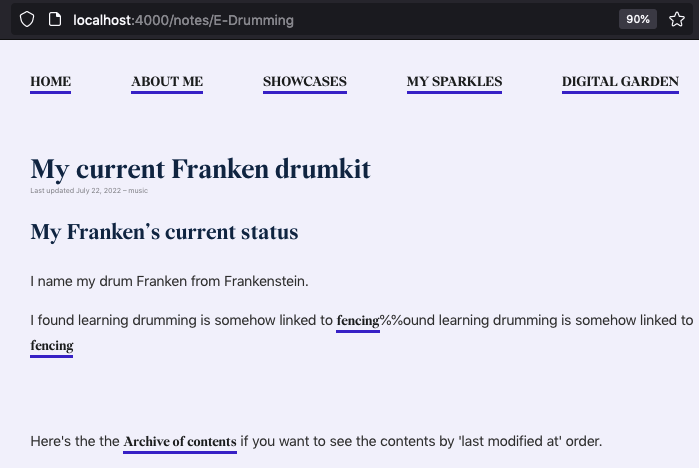
404 error while no issue on localhost
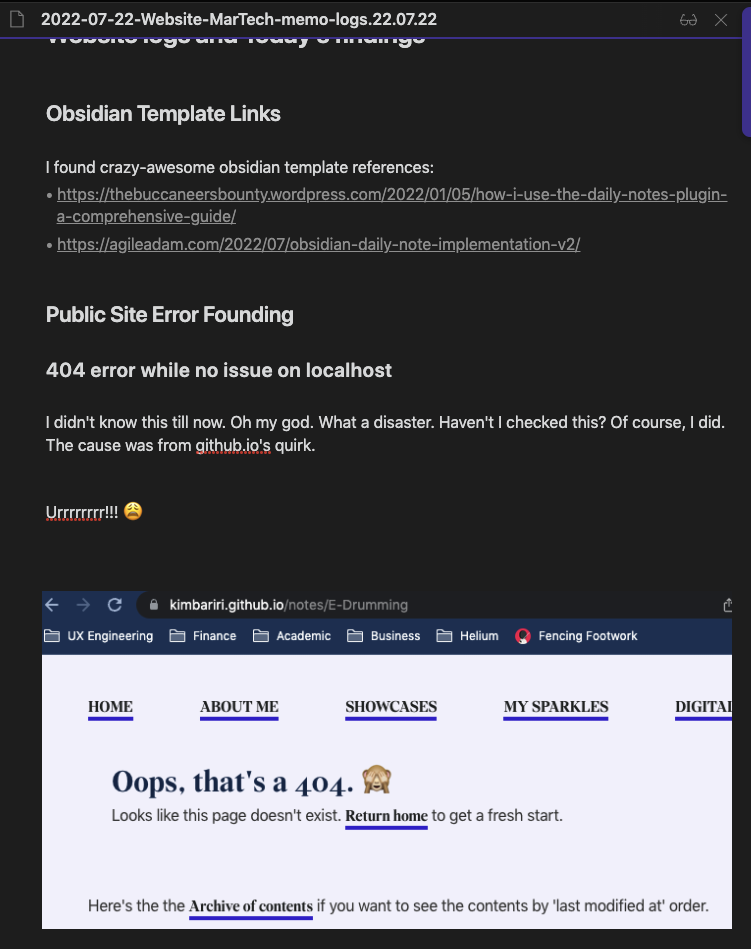
I didn’t know this till now. Oh my god. What a disaster. Haven’t I checked this? Of course, I did. The cause was from github.io’s quirk.
Urrrrrrrr!!! 😩
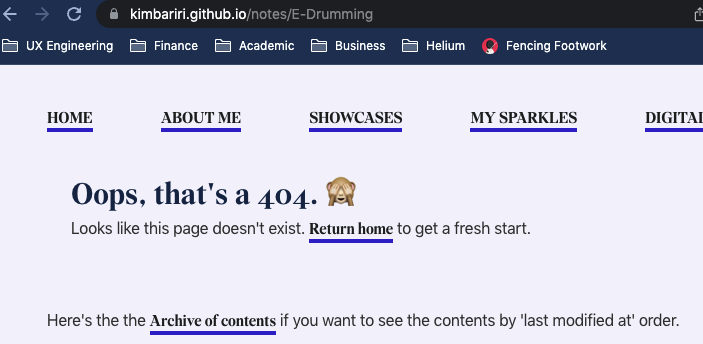
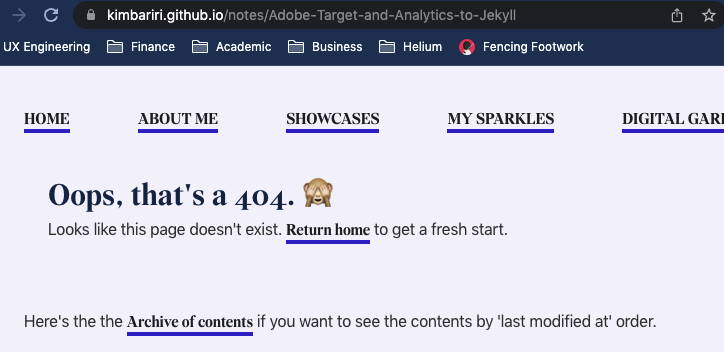
If you see that, It’s not a problem on localhost at all.
And I found some script that is lowering the capital case of URLs into the lowercase-Jekyll template URL. Let’s try that.
Nope. 404 errors due to XSS policies on the browser.
Bugger!
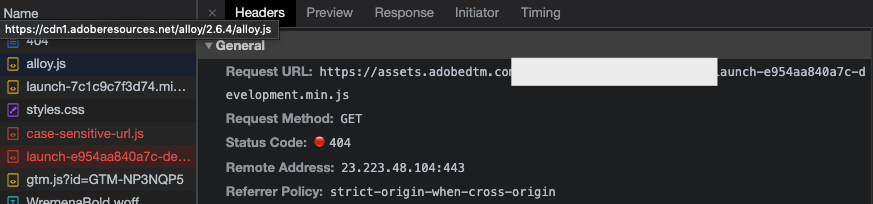
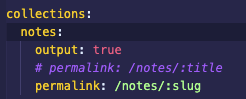
In the end, I solved this issue by changing it from ‘: title’ to ‘: slug.’
References:
https://mademistakes.com/mastering-jekyll/how-to-link/ https://gist.github.com/sbliven/0ca4dee4e0190a6b3dc7e3d8040cc395?permalink_comment_id=3526205
Image link does not correctly work on posts
This issue is also, again, due to the file path. It may require me to write some Ruby Plugin…but it’s too much hustle to think about.
This is what it looks like when I attach the images to the posts.
When they are HTML-fied, Those image links get broken.
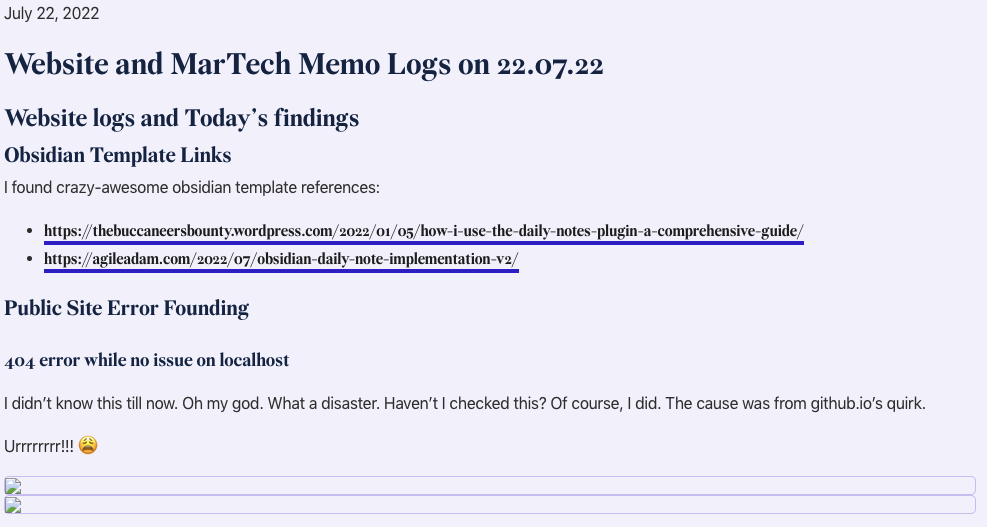
I manually changed the location via visual studio code for a quick solution.
This issue only happens within the journal post. The note is absolutely fine.
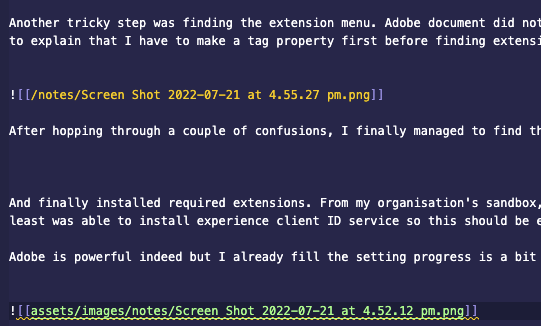
The trick is just simply changing the file path.

This only applies to posts for now.
Thing is, even though everything is looking alright with localhost, you never know with the deployment. QA is a big job, indeed.
Archive List Problems
Oops, I forgot to capture the screenshot of the issues about this.
Briefly speaking, the archive page did not show any posts and notes. I tried to figure out why. The Archive page was working fine before, and I didn’t amend that function much. Was it permalink? Was it the wrong path? I was spending almost 2 hrs figuring out this.
Now it’s solved. Hugh.
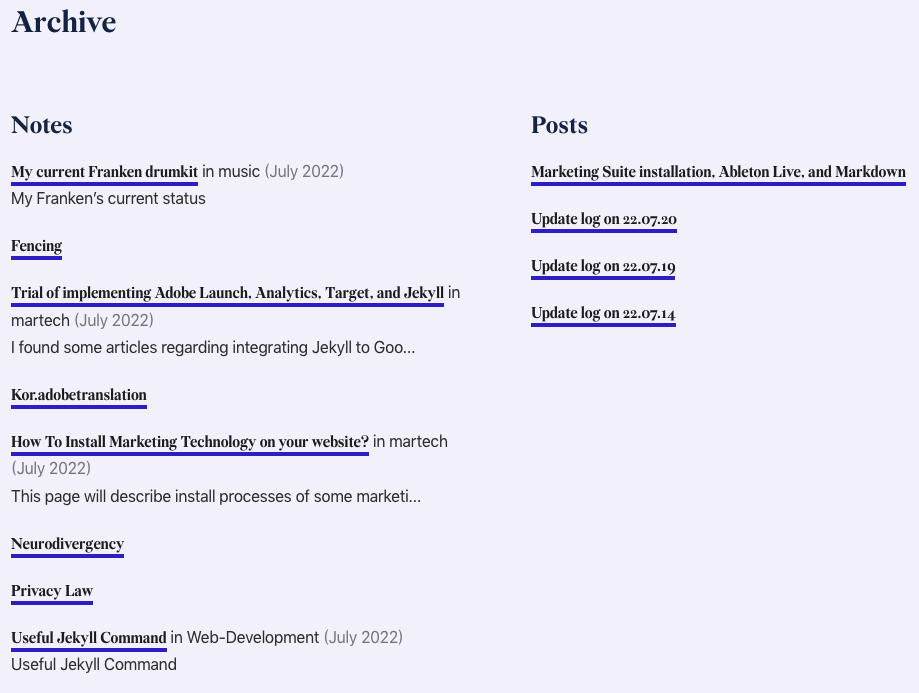
However, it shows all notes, including notes I don’t want to publish.
So I added the ‘Public’ option inside the frontmatter and changed the liquid loop slightly.

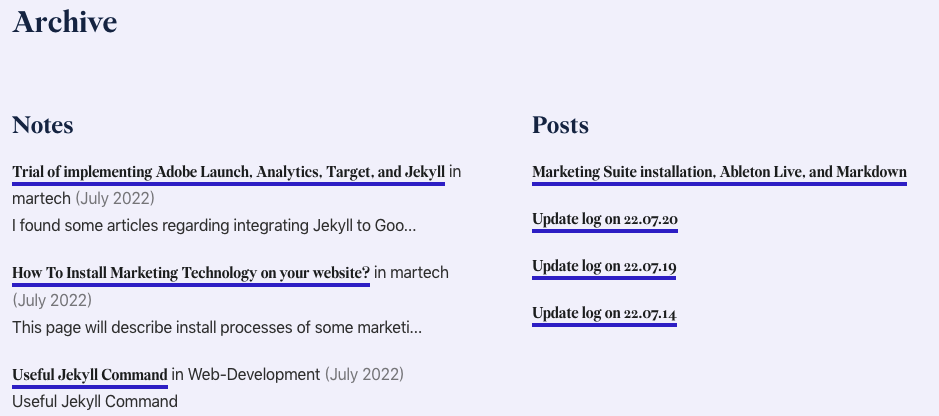
Now it’s showing correct results.
For all issues, Did I write the wrong liquid syntax? Did I forget to close the brackets? None of them happened. The shitty part of the liquid syntax is, It’s very sensitive to any line braces or white space within the template. That means I have to give up some of the ‘beautify’ options within the template. 😩
How Do I Setup SEO on Jekyll + Github?
This is still ongoing test. I am not sure how github.io is webcrowler friendly.
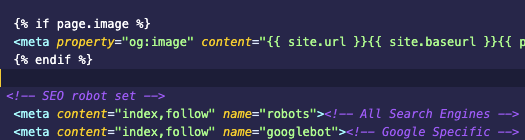
As I already wrote quite bits of meta tags, I don’t feel like installing Jekyll gem for feed and SEO is necessary. We will see.
This is all I added on head.html.
References:
https://jsinibardy.com/optimize-seo-jekyll#install-jekyll-sitemap-and-optimize-date-management https://blog.mastykarz.nl/improve-jekyll-seo/ https://talk.jekyllrb.com/t/help-on-google-indexing-and-seo-plugin/5729 http://jekyll.github.io/jekyll-seo-tag/advanced-usage/
How Do I Write the Posts and Publish to antiperfectclub.Github.io?
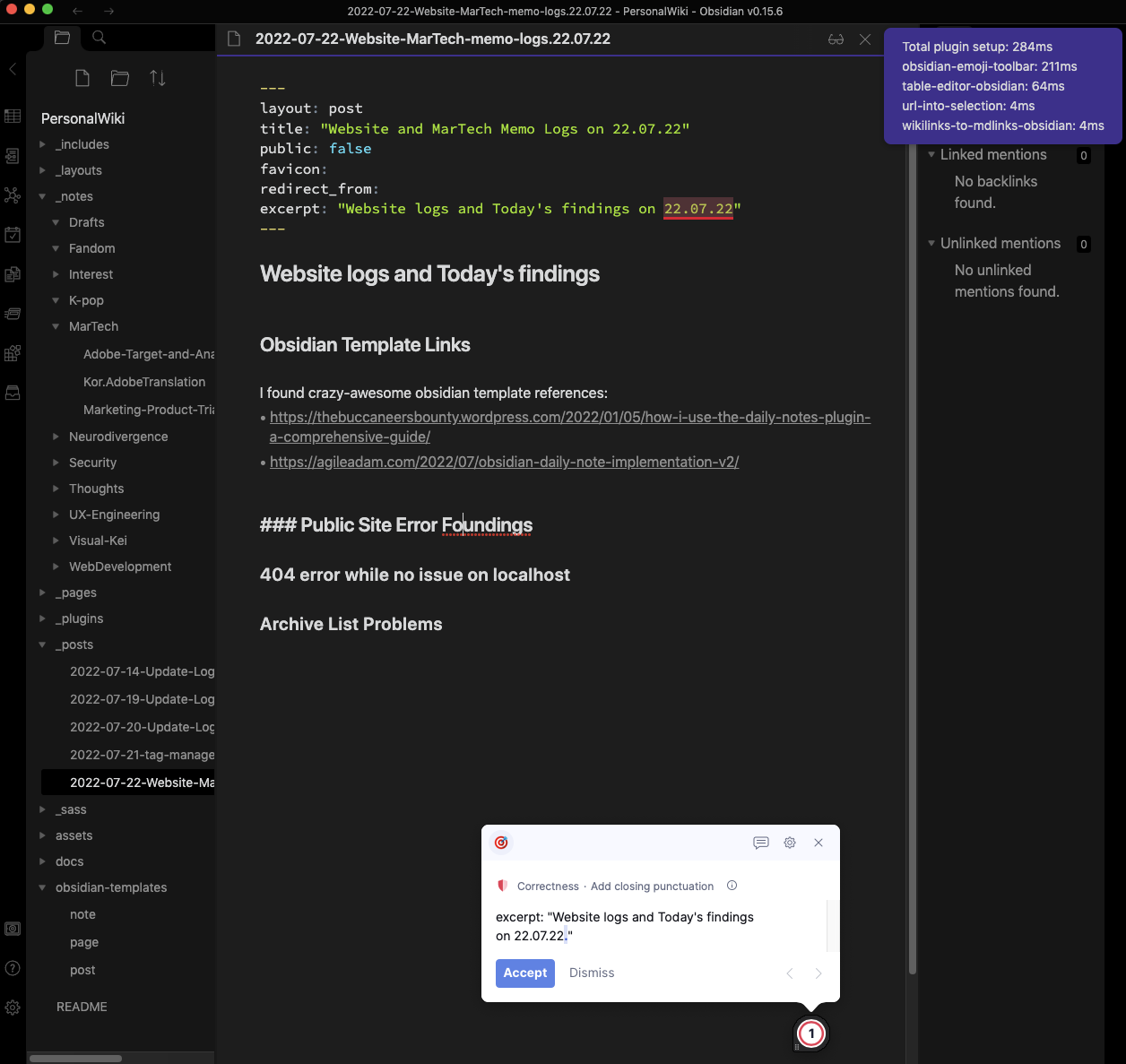
I write most of my notes via Obsidian. Most of the codes are, of course, written through visual studio code. However, I need grammar, typo, and wording checkup support as I skim texts a lot. (Typical for ADHDers)
That is why for the posting, I use Obsidian. You can see that Grammarly pick up some word reviews within the notes.
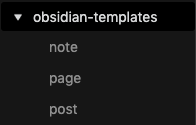
Within the Obsidian, Enable the template core plugin. Inside of obsidian templates, you can set up the skeleton template.
Inside of each template, they do have the skeleton format.
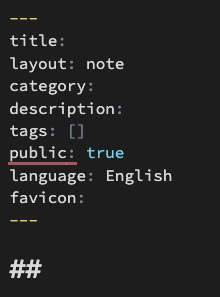
And this plugin helps me to write the post as Jekyll only accept the post file name starting from a date like this ‘Year-Month-Day’

In order to generate the correct image and HTML file link, I borrowed the plug-in from https://github.com/maximevaillancourt/maximevaillancourt.com
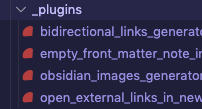
However, this plug-in is only specified for notes and posts. The way I formulate notes and posts is different to their Ruby plugin sets. For that reason, I have to write separate plugins only for posts.
Well, if I have some time. Unfortunately, I don’t 😭 . Also, I sometimes move what I wrote from posts to notes, so It’s no use to config existing note plugins. I am treating my daily posts as some kind of quick draft stage before populating notes.
For that reason, I am happy with manually replacing some file routes if I need to. For now.
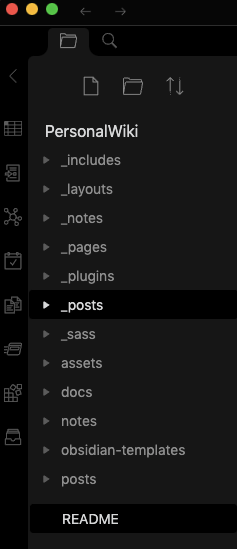
This is the base folder of notes.
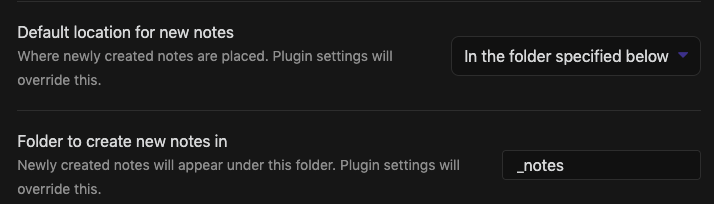
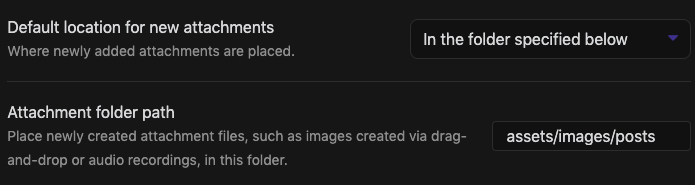
For now, the asset path is based on the posts folder, but this will be changed to notes at some point.
You can generate vaults from the existing folder.
And Based on the setup of Jekyll, your writings on markdown files via Obsidian will be generated into HTML format.
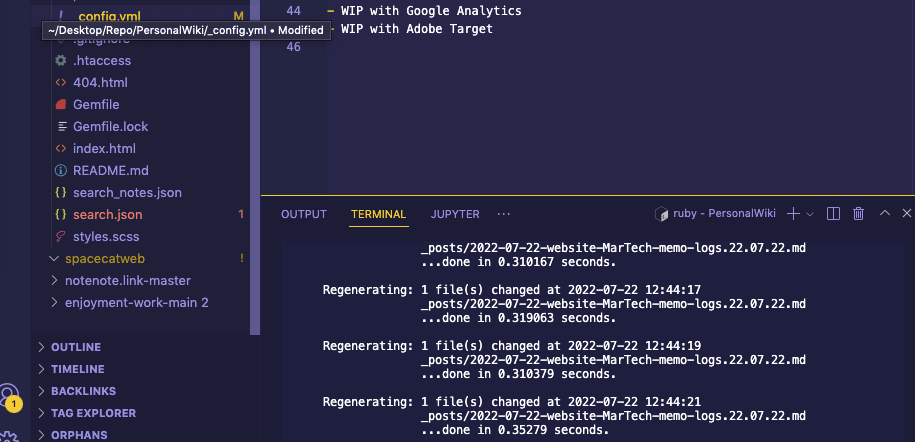
After doing so, you got now rendered HTML files. The last step is deploying your generated HTML files into your GitHub or bitbucket (whatever your deployment cycle is)
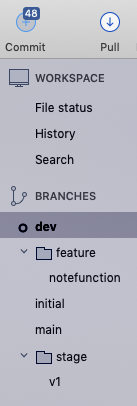
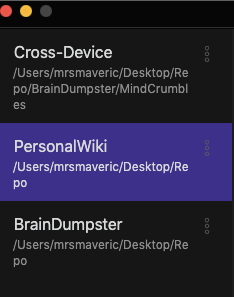
Indeed, I do have multiple vaults. Personal Wiki is for this Jekyll posting. BrainDumpster is literally for dumpling any random thought pieces. Cross-Device is a lightweight vault as I sometimes write stuff on my phone while I have no access to the laptop (e.g. commuting).
Luckly, git-note from Android Phone does enable me to do this. I am not sure about iPhone. There was a terminal source management app within iPad but it was bloody slow.
I also often write my thought notes via Google Voice Keyboard. It’s not perfect but helps me to write when I don’t want to look at the screen. For accuracy-wise, Otter.io would be the better option though.
You may need web programming skills to publish your obsidian posts and notes. If that is you, consider subscribing to obsidian ‘Publish’ service. As I am quite confident to utilise Git, I don’t need one.
How to solve conflicts
In the most laziest way?
If you don’t give a F about losing your changes, simple choose “Resolve Using ‘Theirs’”.
I often do this when I know exactly what my changes are or all I need to replace is a compiled build.
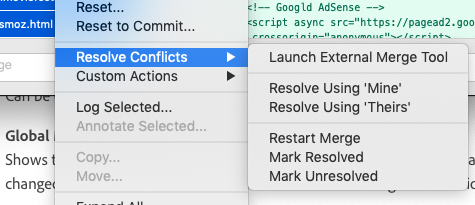
More conveniently, If you open the conflict files via VSC, VSC will smartly show which parts are conflicting. You can choose either accept current (your local codes) or incoming changes (merging one).

Random Rant
I am a crazy purple shipper. Even my VSC theme is ‘shade of purple’.