First starting line of Jekyll and Obsidian
The start point of working with Jekyll and Obsidian was not easy.
It was painstaking to fix the GitHub deployment issue. Alongside the gem dependency installation conflicts with other dependencies, I couldn’t figure out why.
The solution was:
- Deleting all Jekyll Caches
- Check the passage of your gem env with “gem env” “which ruby” “which gem”
- nano ~/.bash_profile check where your home path is located.
- Bundle clean –force
- If it looks a bit messy: rm -rf ~/.gem
- Bundle Update
- Gem Update
- Removing Gemfile.lock
- Re-do Bundle Install –verbose
- JEKYLL_ENV=production bundle exec jekyll serve –trace
- Not sure if this helped, but .github-pages.yml setup might do something as well. (Refer to my branch)
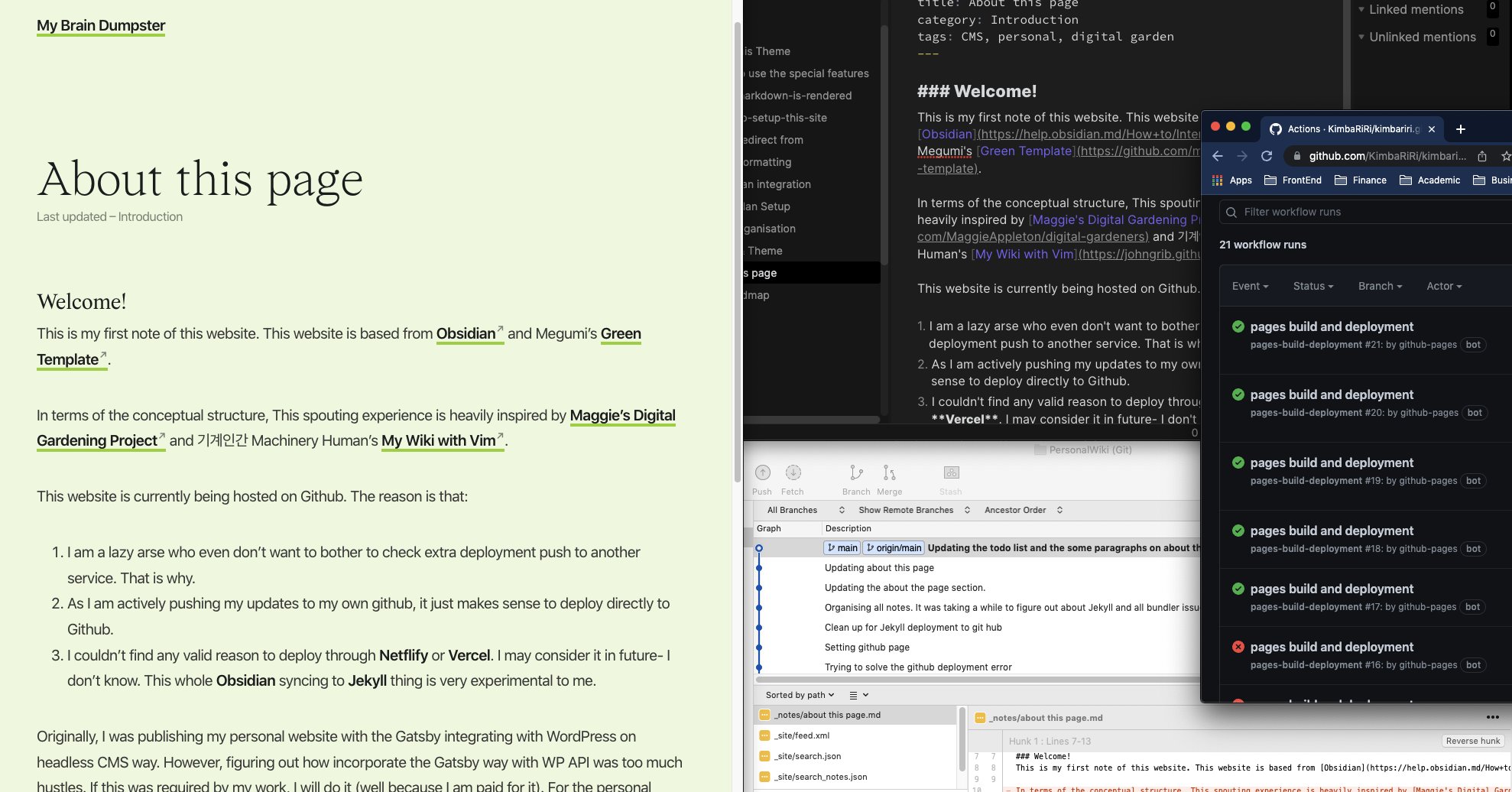
I needed to learn how to structure my content ideas with Jekyll, so I started with others’ blogs first in order to learn about it. After that, I started re-writing my own ways step by step.
All idea references are cited on reference section at “/about-this-page”