Marketing Suite installation, Ableton Live, and Markdown
To-do list
“I found an error about categories of notes. Noooooo!!!”
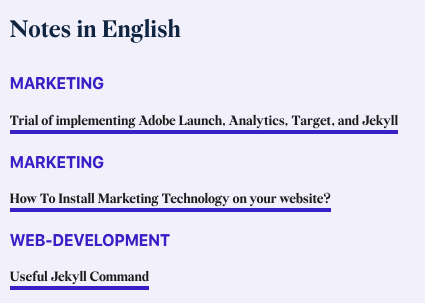
Implementing Adobe suite and google suite took longer than I thought. Injecting the library was not a matter, but the correct configuration along with Jekyll and github.io was tricky.
What’s implemented?
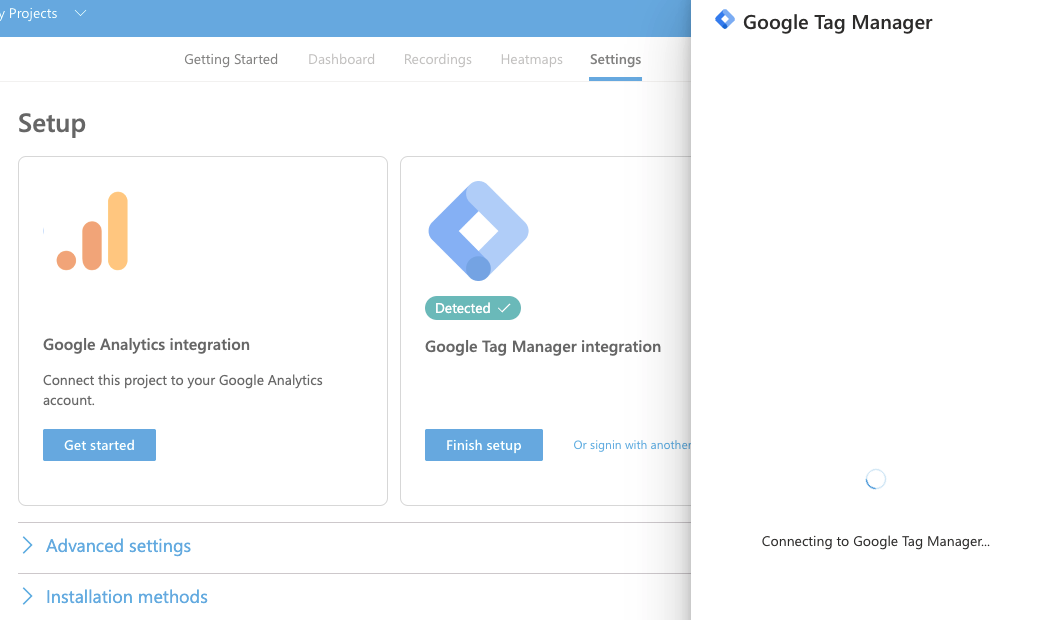
Clarity is WIP.
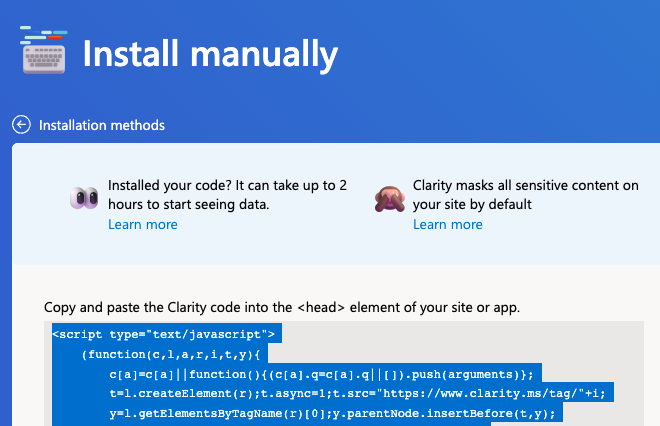
References: https://clarity.microsoft.com/ https://docs.microsoft.com/en-us/clarity/clarity-setup
Or you can do manually.
Today’s website update
Due to the issue I found above; I struggled to solve the problems. I was toying around with permalink setups, tag for loop syntax, changing the note folder structures, etc. None of them worked. While I was frustrated about it, one slightest idea came up to my head. I put all tags inside of the ‘[]’ brackets. Since so, the tag categorisation amazingly works fine.

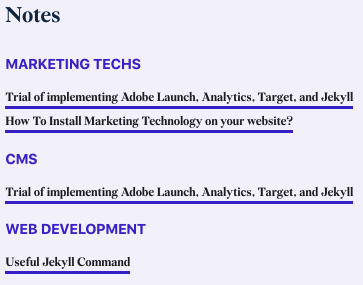
It seems to be working fine now :)
Ableton Beginner Chapter
Google Tag Manager
Tutorial Link: Google Official Guide
Dashboard Google Tag Manager Admin
Data Layer guide: Google Data Layer
Go to the Google Tag Manager. GTM is equivalent to Adobe Target.
Paste your Google Tag Manager snippets into your partial HTML file. (inside of ‘_includes’)
Google Optimize
This is the dashboard of Google Optimize. It’s similar to Adobe Target.

Google Analytics
In order to install the GA into the Jekyll, you may face some configuration issues. In that case refer to this tutorial https://desiredpersona.com/google-analytics-jekyll/ and https://morotsman.github.io/blog,/google/analytics,/jekyll,/github/pages/2020/07/07/add-google-analytics.html https://michaelsoolee.com/google-analytics-jekyll/
Of course, The google Analytics must link to the Google Optimize.
For extra step, I also installed the ‘’ of MicroSoft.
Some Extra helpful links about Analytics
https://www.stevefenton.co.uk/category/analytics/
Adobe Extension Installation is not easy…because
Their documentation deck is huge, thus not so well organised AT ALL!
To find an answer you seek on every single step, you will fell into the rabbit holes so easily. Another thing that annoyed me was, the documentation is not so up-to-date while Adobe constantly changes their UI structures inside of AEP dashboards.
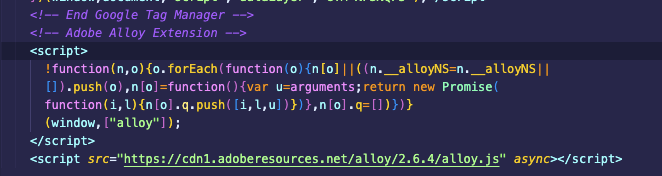
Another tricky step was finding the extension menu. Adobe document did not mention how to find extension. Aren’t you supposed to explain that I have to make a tag property first before finding extension tab? Gees…
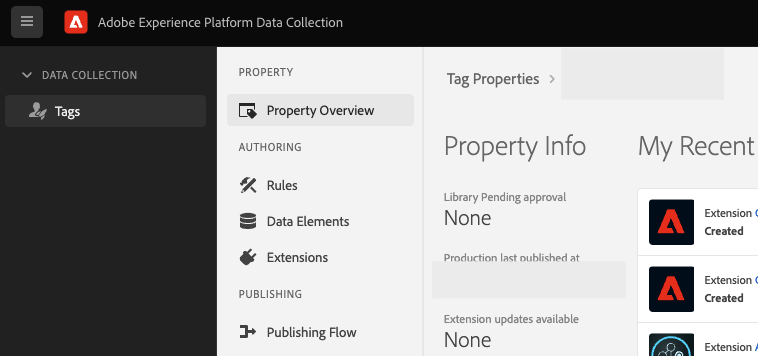
After hopping through a couple of confusions, I finally managed to find the production and development library.
And finally installed required extensions. From my organisation’s sandbox, I was not allowed to adopt the webSDK. Well, I at least was able to install experience client ID service so this should be enough.
Adobe is powerful indeed but I already fill the setting progress is a bit overkill now.
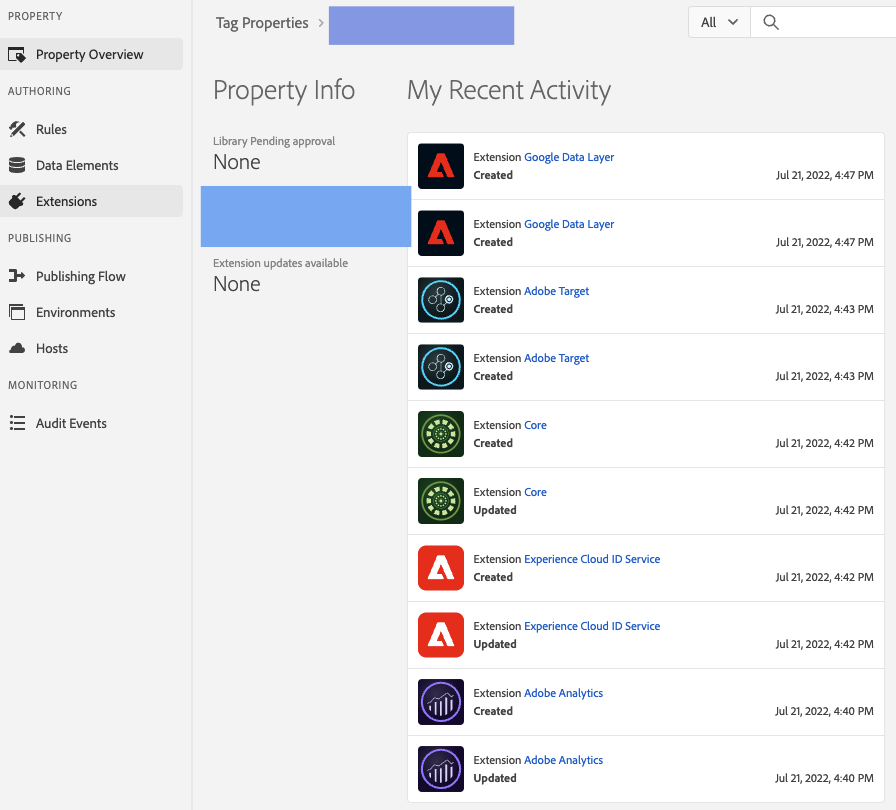
It was quite hustle to find correct document references within adobe experience league. I wish they could have arrayed the contents better.
Anyway, for the web base implementation - refer to this link.
https://experienceleague.adobe.com/docs/platform-learn/implement-in-websites/overview.html?lang=en
And this is specifically for Analytics report suite.
Useful link telling details about Markdown
This link was quite useful. Nice to have.
https://blog.bianxi.com/2021/09/25/how-to-use-markdown-for-writing-technical-documentation/