How is my website now getting more interactions?
After setting robot.txt and some analytical tools, I saw some upcoming stuff.
Clarity with Google Analytics Integration
I think most of the clicks are generated by me, to be honest.
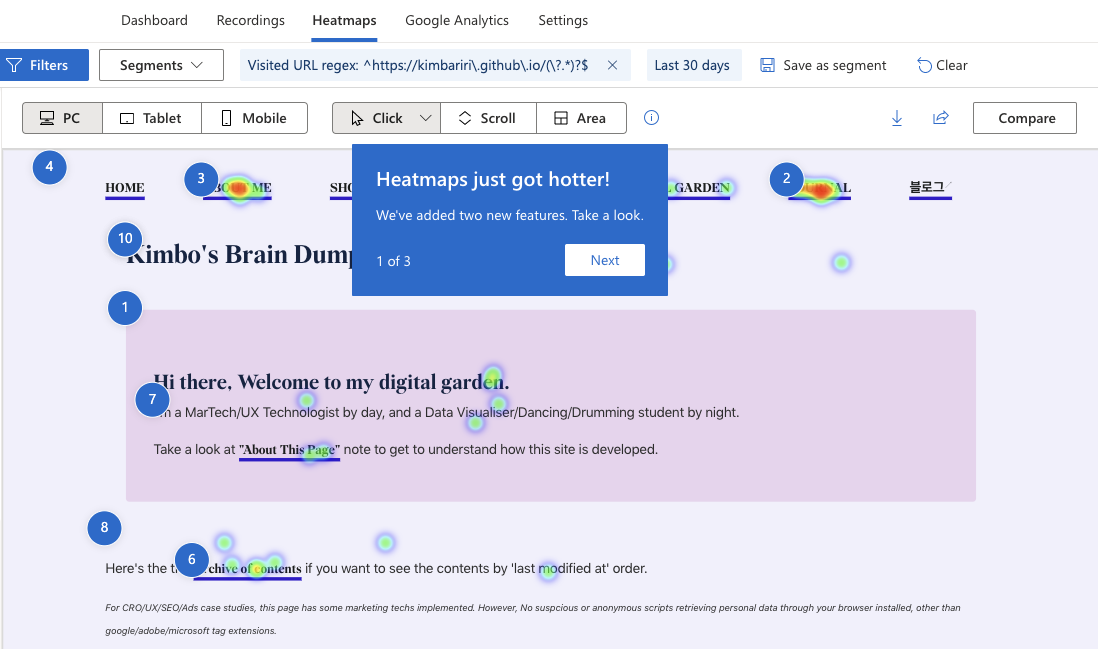
What’s interesting is that clarity shows the heatmap indicating which element or content attracted the audience most.
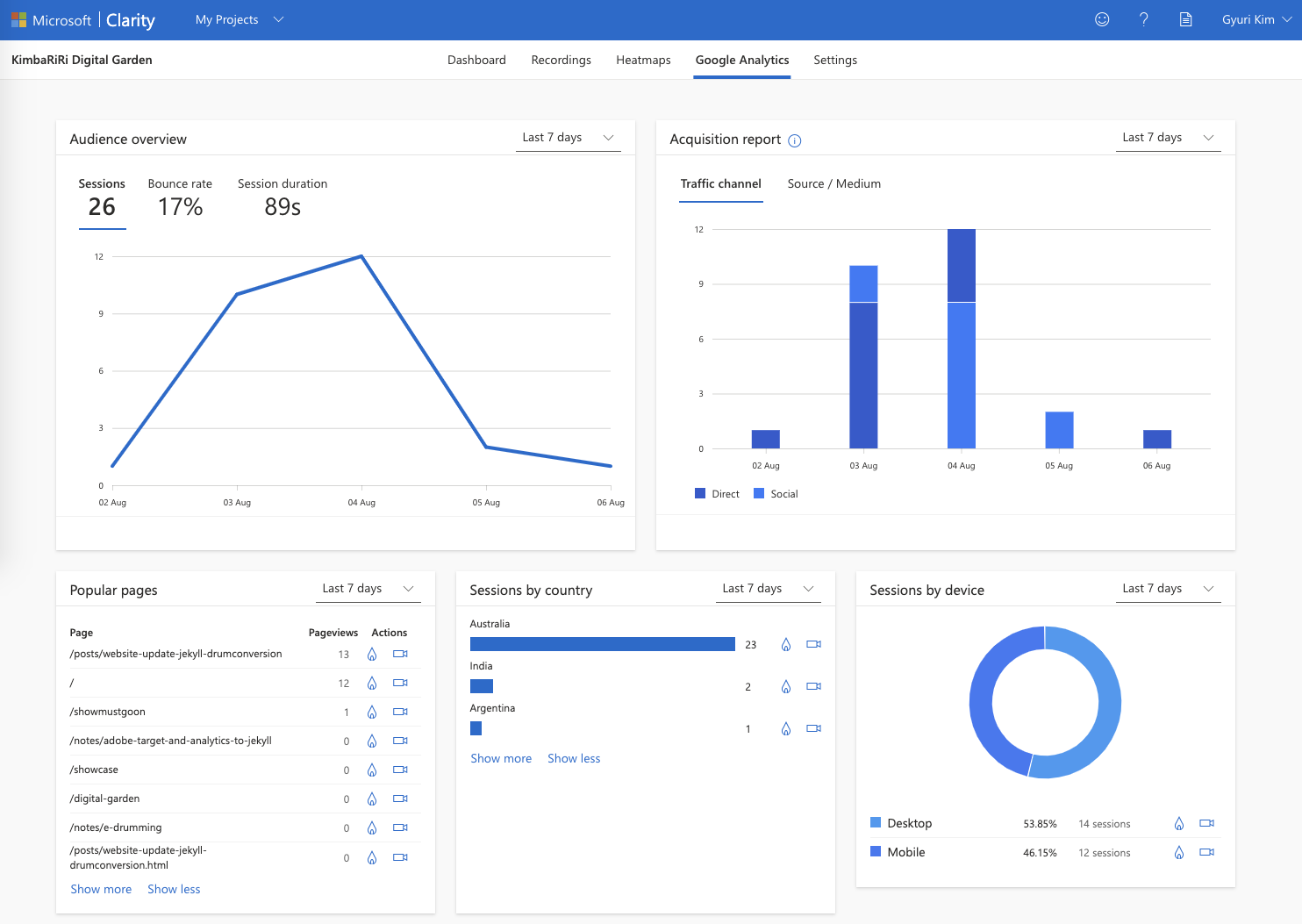
Because it’s integrated with Google Analytics, the brief summary version of the report is also available through Clarity.
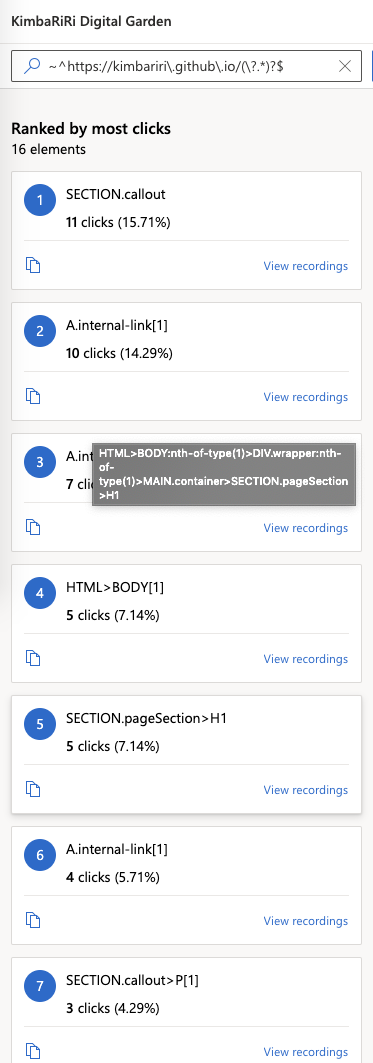
And if you go to the clarity dashboard through the report section, you can see each element per CSS query selectors.
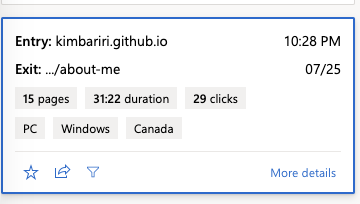
And what made this person go through 15min pages for half-hour…?
Google Adsense is implemented, however…
The google Adsense is implemented within the adsense.html part within Jekyll. However, Google has been rejecting my ‘request review’…Man, they used to be easygoing a couple of years ago.
Even though the Adsense code is implemented, the ad slot won’t show any ads but the blank state. For now, I forcefully made it as ’display: none if the ads do not have any content within the container.
Target Implementation and the Data Layer
This document shows what’s best practices for implementing the target. It seems similar to the E-client works I developed for the data layer.
Also, when you generate the tags, each component must have a unique data-id. If you use the query selectors, there will be some over-wrapping incidents if two different parts share similar order or CSS selectors.
After enabling the cookie to save on my domain (ref: 2022-08-03-Website-Update-Jekyll-DrumConversion), I checked the cookie section again.
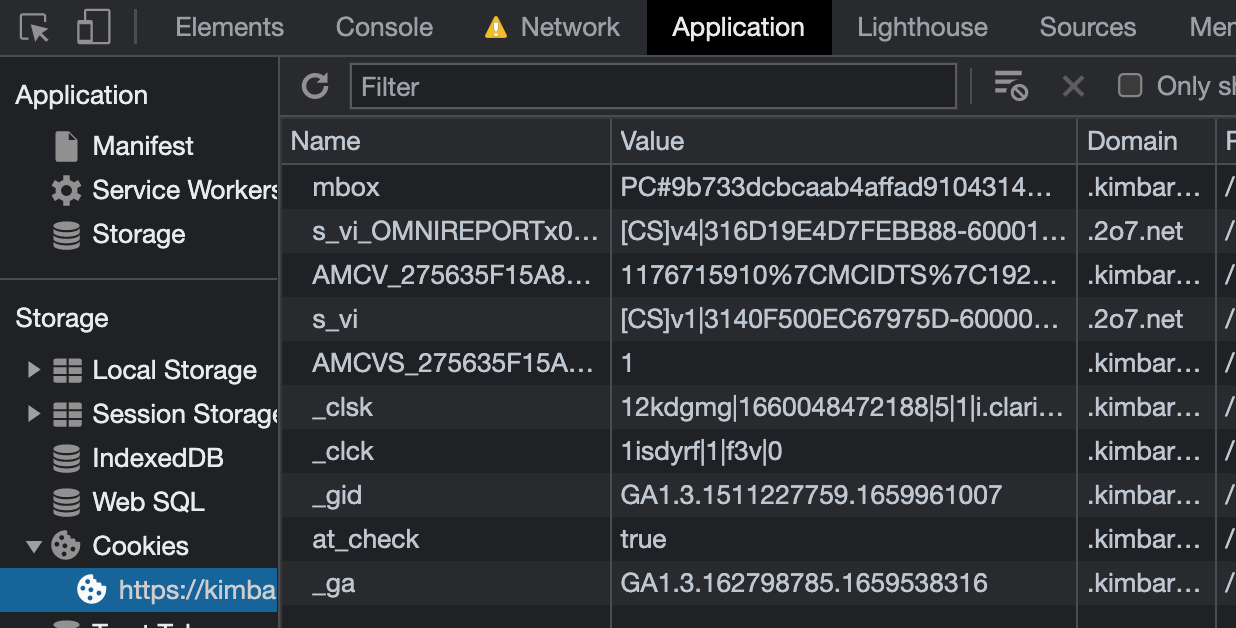
Seems like it’s finally working.
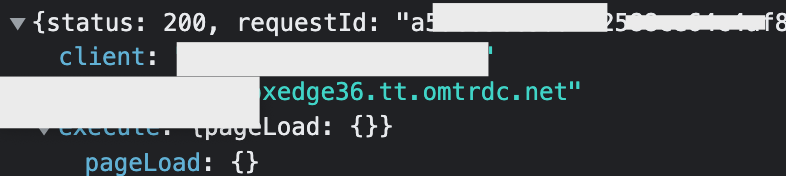
However, I found out that nothing passed inside of the pageLoad. Whyyyy? Conceptual understanding of tags is not intricate, but debugging indeed is.
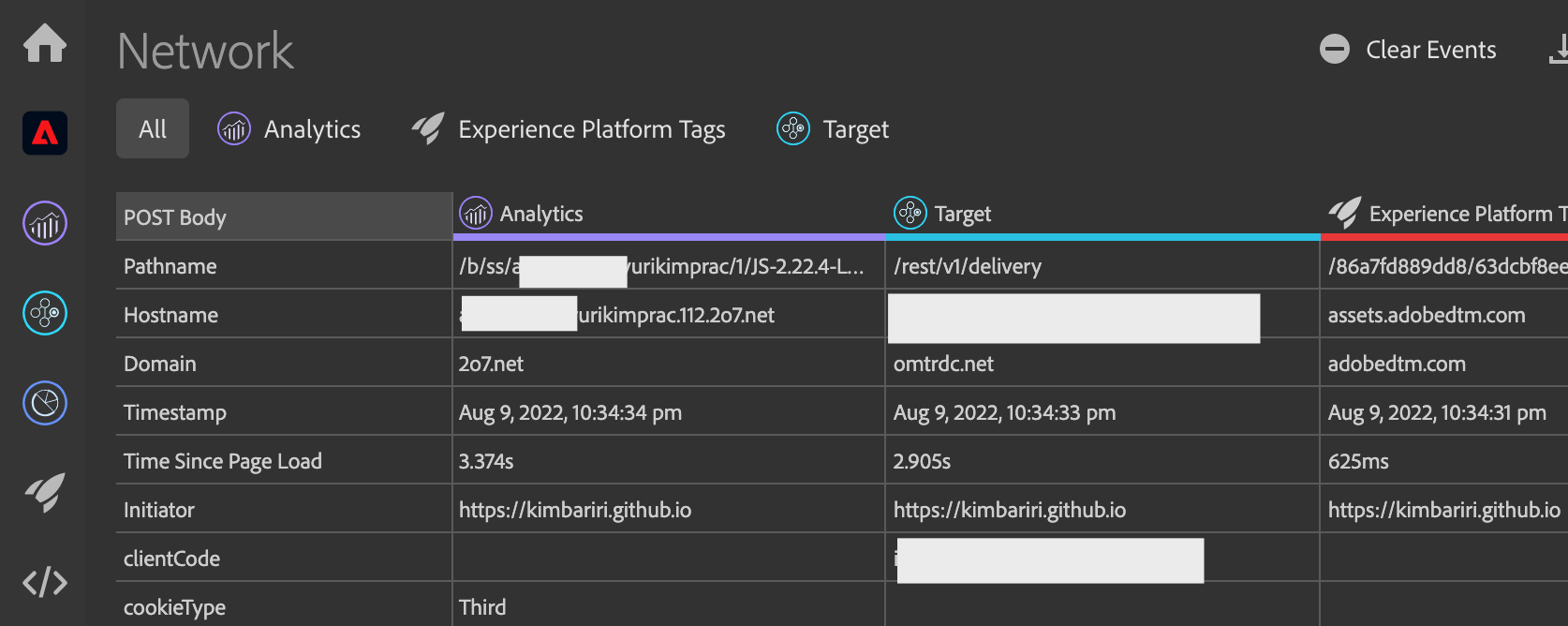
I checked the AEP chrome extension. All rules seem triggered as expected.
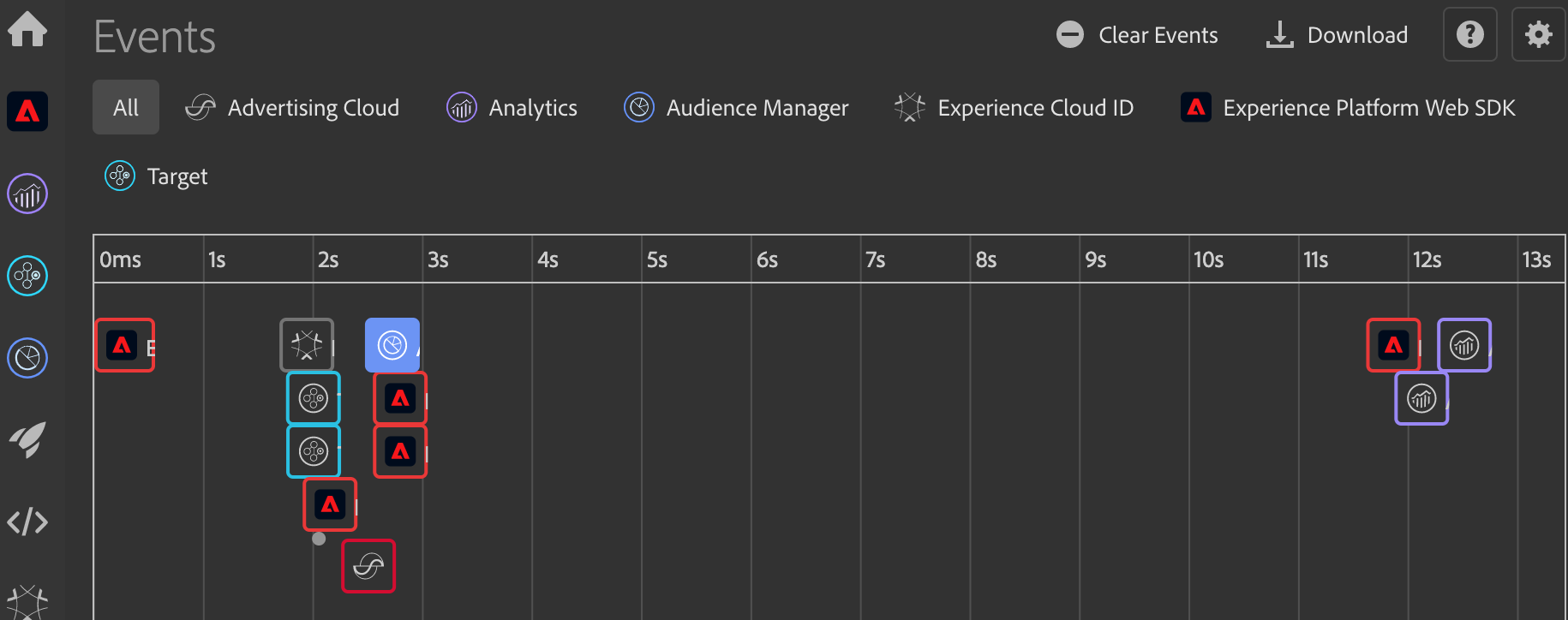
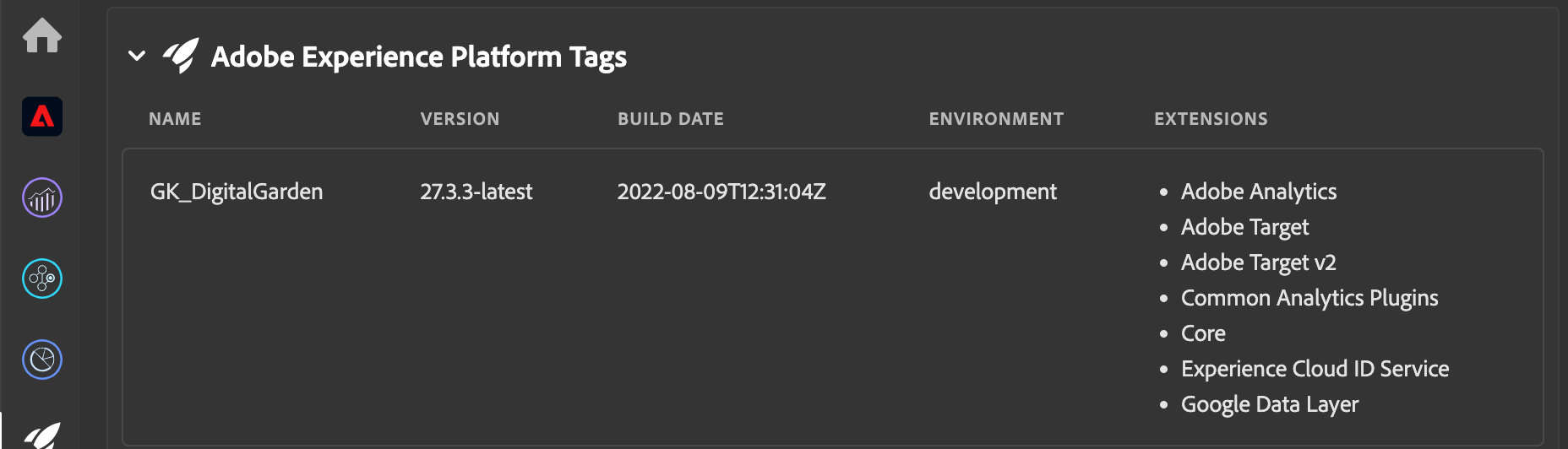
And all extensions are kicking in as well. Then why does it not show any values that I set…? Hm…That is the mystery.
Tag learn by doing page
https://experienceleague.adobe.com/docs/platform-learn/implement-in-websites/overview.html?lang=en
I found out that this is the most useful if you want to know about tag (data collection) implementation on your website that combines Audience/Analytics/Target altogether.
You can find all Analytics tutorials here
https://experienceleague.adobe.com/docs/analytics.html?lang=en